





- ski
Grandvalira Mobile Pass: how to use your ski pass on your phone
Requirements, activation and limits of the digital ski pass
The Grandvalira Mobile Pass is the digital ski pass from Grandvalira Resorts: it sits on your phone, inside the official app, and gets you onto the lifts without a physical card. It works over Bluetooth, needs an internet connection only for linking, and is activated on the day you ski. Here is which passes qualify, what your phone needs and how to have everything ready before you reach the first chairlift.
This guide focuses on how to use it. If you would rather understand how the prices are set, we cover that in our guide to ski pass prices in Andorra.
What the Mobile Pass is and which passes qualify
According to Grandvalira’s official page, the format is available for the following products:
- Adult and Junior passes of 1 to 3 days.
- Andorra Pass, a season pass.
- Nord Pass, a season pass.
The addition of the two season passes is what is new this winter. The Mobile Pass made its debut last year with day passes and in 2026-27 is being offered in season format for the first time. The Grandvalira season is scheduled from 4 December 2026 to 4 April 2027, snow conditions permitting.
If your stay runs beyond three days or you need another type of pass, check which formats are available when you buy: the official page lists no further products.
What your phone needs
The requirements are few, but they are worth reviewing before you buy, particularly if you are travelling with others:
- An iOS or Android phone with Bluetooth.
- The Grandvalira Resorts app installed.
- A login using the same email address as the purchase.
That last point prevents the most predictable problem. Book with a work address, open the app with your personal one, and the pass will not be where you expect to find it. Decide which address you will use before paying, and keep to it throughout.
How to buy it
There are two routes, and the difference lies in how the pass reaches the app.
Buying online
You buy it from the Mobile Pass page itself, using the purchase button. When you open the app with the email used for the purchase, the pass appears in the Mobile Pass section. This is the most convenient option if you want to leave home with everything arranged and avoid the ticket office on arrival.
Ticket offices and self-service machines
You can also buy it at the resort’s ticket offices or self-service machines. In that case you receive one QR code per Mobile Pass, which you scan with the app to activate it.
How to use it, step by step
The process has two distinct stages: linking, which you can do in advance, and activation, which belongs to the ski day itself.
- Open the app. Log in and find the pass in the Mobile Pass section.
- Link the pass to your device. This is the only step that requires an internet connection.
- Activate it on the day you ski. Do so with Bluetooth switched on.
- Keep your phone in your left pocket. That is Grandvalira’s instruction for passing through the lift gates.
Once linked and activated, the Mobile Pass works offline, so a lack of coverage at altitude should not affect your access to the lifts.
We suggest linking the pass the evening before, with a good connection and no hurry, and leaving only the activation for the morning. The first lift of the day then becomes a formality rather than a task still to be done.
Travelling as a family or group
When one person buys several Mobile Passes, they all appear in that person’s app. From there, the buyer can link their own and share the others through a link or a QR code generated by the app.
Each recipient has three things to do: install the app, link the pass to their device and activate it on the ski day. It is not enough for the buyer to hold the passes on one phone, because each pass is tied to a single device and each skier needs their own in their pocket.
In practice, this makes it sensible to share the passes out before the trip. Check, too, that younger members of the party have their own phone with Bluetooth and the app installed. If someone will not be carrying a phone on the slopes, ask at the ticket office which format suits them best.
Limitations worth knowing
The official page sets out three conditions to bear in mind:
- One device at a time. The pass cannot be linked to two phones simultaneously.
- Personal and non-transferable. Once linked, it cannot be passed to anyone else.
- Do not uninstall the app while the pass is active. If you do, you will not be able to use it again.
The third calls for the most care. Take care with system updates, phone changes or app clean-ups during your ski days. If you expect to change phones during the season while holding an Andorra Pass or Nord Pass, ask Grandvalira beforehand how to proceed.
The new turnstiles
Grandvalira says it is installing new turnstiles with Smart Guard, a photo-based control system. It is useful to know this before you pass through them, since the pass remains personal even without a physical card.
Tips for a trouble-free ski day
These pointers do not come from the official page but from common sense in the mountains. With your pass on your phone, the handset becomes one more piece of your kit:
- Look after the battery. Charge your phone overnight and set out with a full charge, as cold tends to shorten battery life. A small power bank takes up little room.
- Choose your jacket carefully. Make sure it has a zipped pocket on the left. If you are packing ahead, add this to the list alongside everything else worth taking to the snow.
- Protect your phone. A fall on the piste or a pocket left open could leave you without both pass and phone. A sturdy case is a sensible investment.
- Make a note of the email you used. Keep it to hand in case you need to log in again.
If your phone is lost or stops working, go to a ticket office or contact the resort. The official page does not cover this situation, so it is wise to raise the question before your trip if you will be relying on the pass for the whole season.
Where you will use it
With a Grandvalira pass, the Mobile Pass gives you access to the seven linked sectors of the ski area: Encamp, Canillo, El Tarter, Soldeu, Peretol, Grau Roig and Pas de la Casa, with 215 km of skiable terrain and 140 runs according to the resort’s website. If you are still deciding where to start, our sector-by-sector guide to Grandvalira describes the character of each.
The Andorra Pass extends access to Andorra’s three resorts and 308 skiable kilometres. The Nord Pass centres on Pal Arinsal and Ordino Arcalís and includes a limited number of days in Grandvalira. Check the current terms of your pass before planning each day.
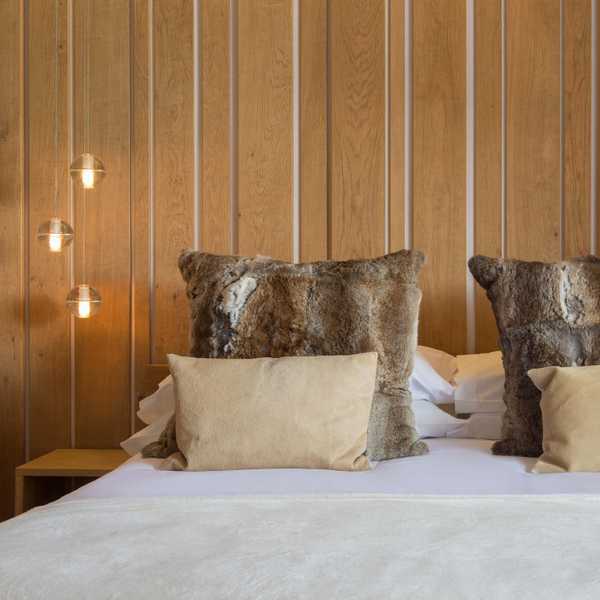
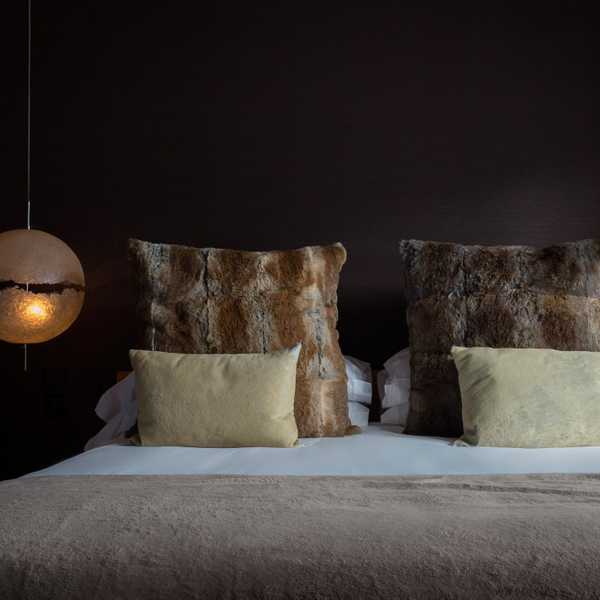
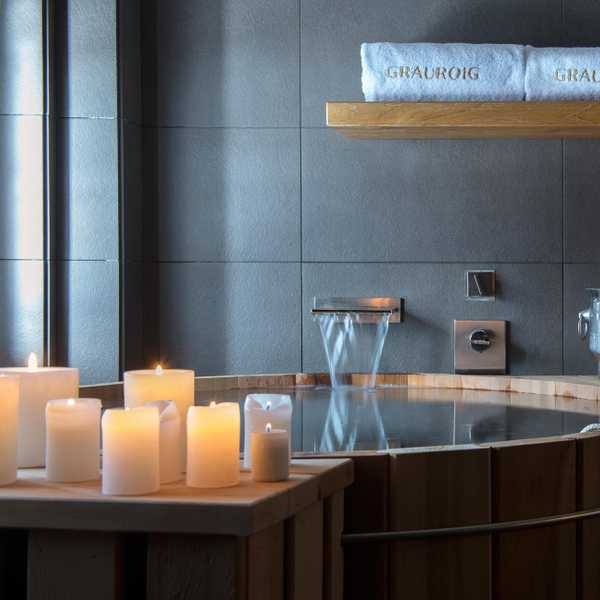
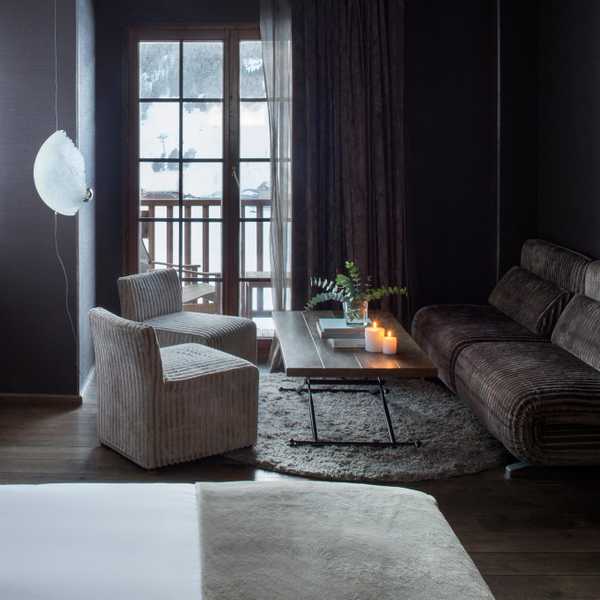
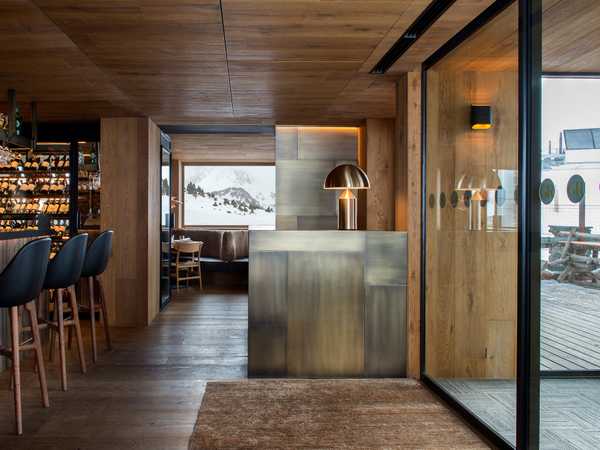
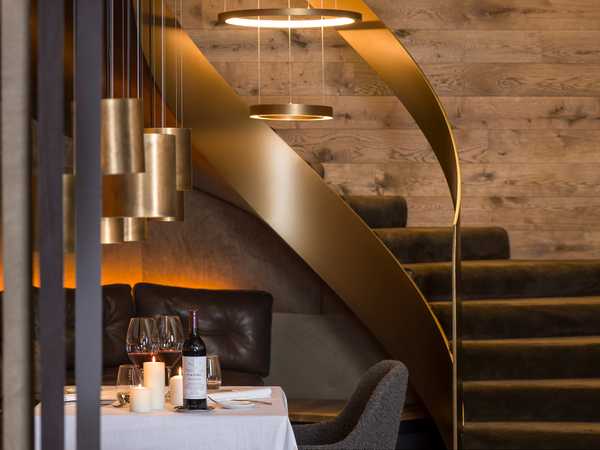
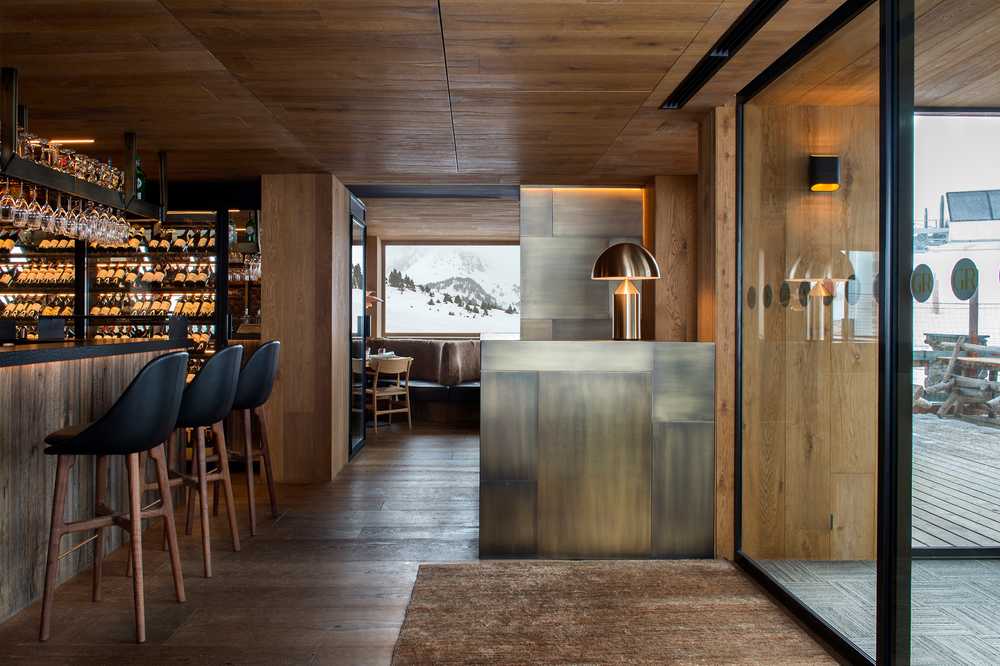
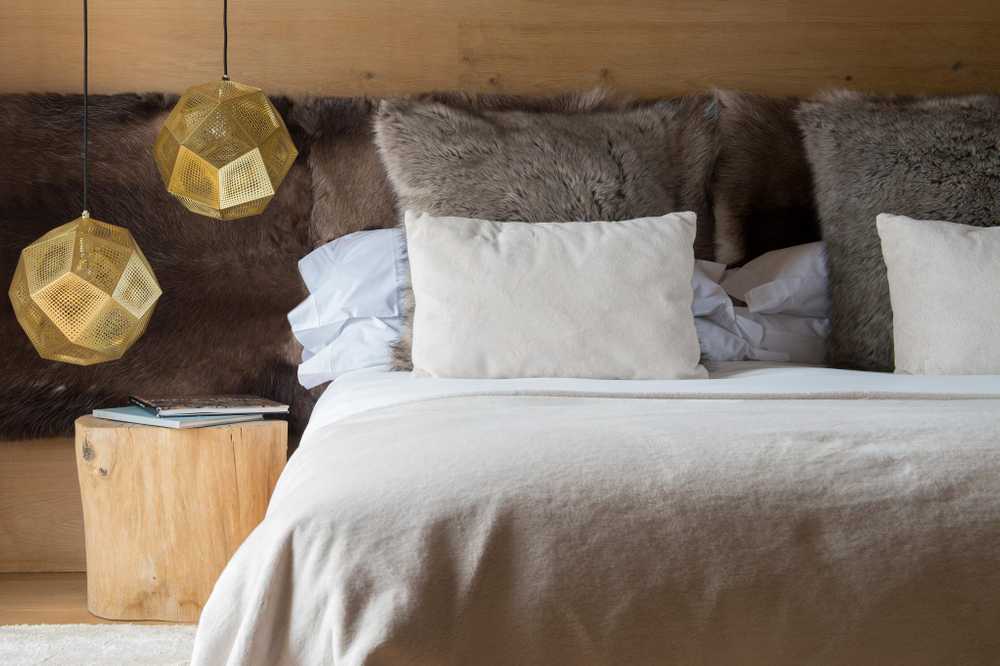
Staying at the foot of the slopes simplifies the routine further. Hotel Grau Roig, listed in the MICHELIN Guide, stands beside the slopes of the Grau Roig sector: you can activate your pass in your room, get ready at your leisure and start the day with your skis a step from the snow. You will find more about its location on our Grandvalira page.